Jump to a topic
Add-On Price Alerts
Beverage packages, dining, excursions & WiFi
We monitor the price of Royal Caribbean and Celebrity Cruises add-ons every day. When a price drops, you'll get an email alert right away so you can rebook at the lower rate before your sailing.
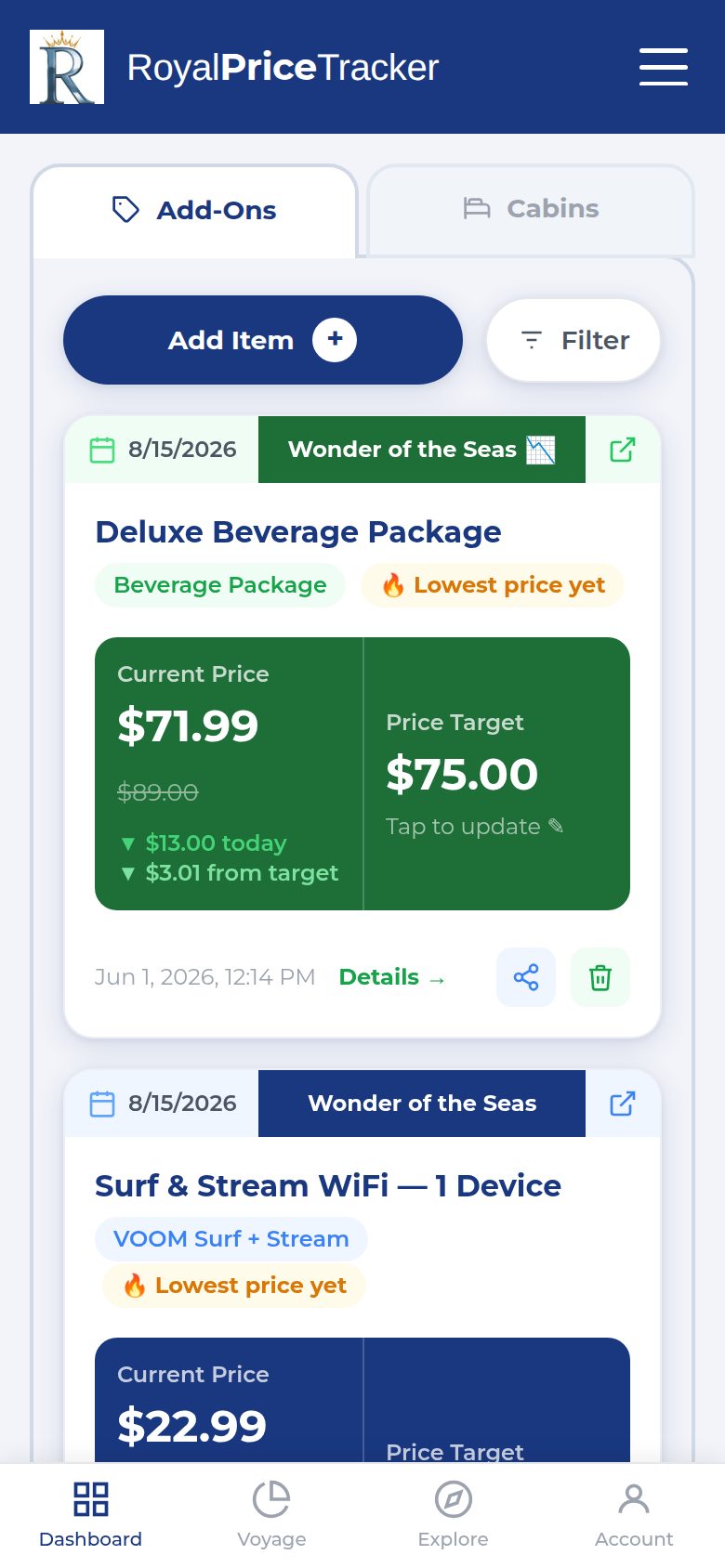
Your tracking dashboard
Browse the Price Guide
Visit the Price Guide to see current prices for any ship and add-on category. Filter by ship to find your sailing.
Add an item to track
On your Dashboard, tap Add Item. Select your ship, sail date, and the add-on category. Set a target price — we'll alert you when the price drops to or below it.
Sit back and let us watch
We check prices daily. The moment we see a price drop to or below your target, we'll email you straight away — including what dropped and what to do next.
💡 Tip: You can track as many add-ons as you want across multiple sailings. Each one is monitored independently.
Cabin Fare Tracking
Interior, Ocean View, Balcony & Suite
We automatically track cabin prices across all four stateroom categories for every sailing we monitor. You can set a target price alert to be notified when a specific cabin type drops to your budget.
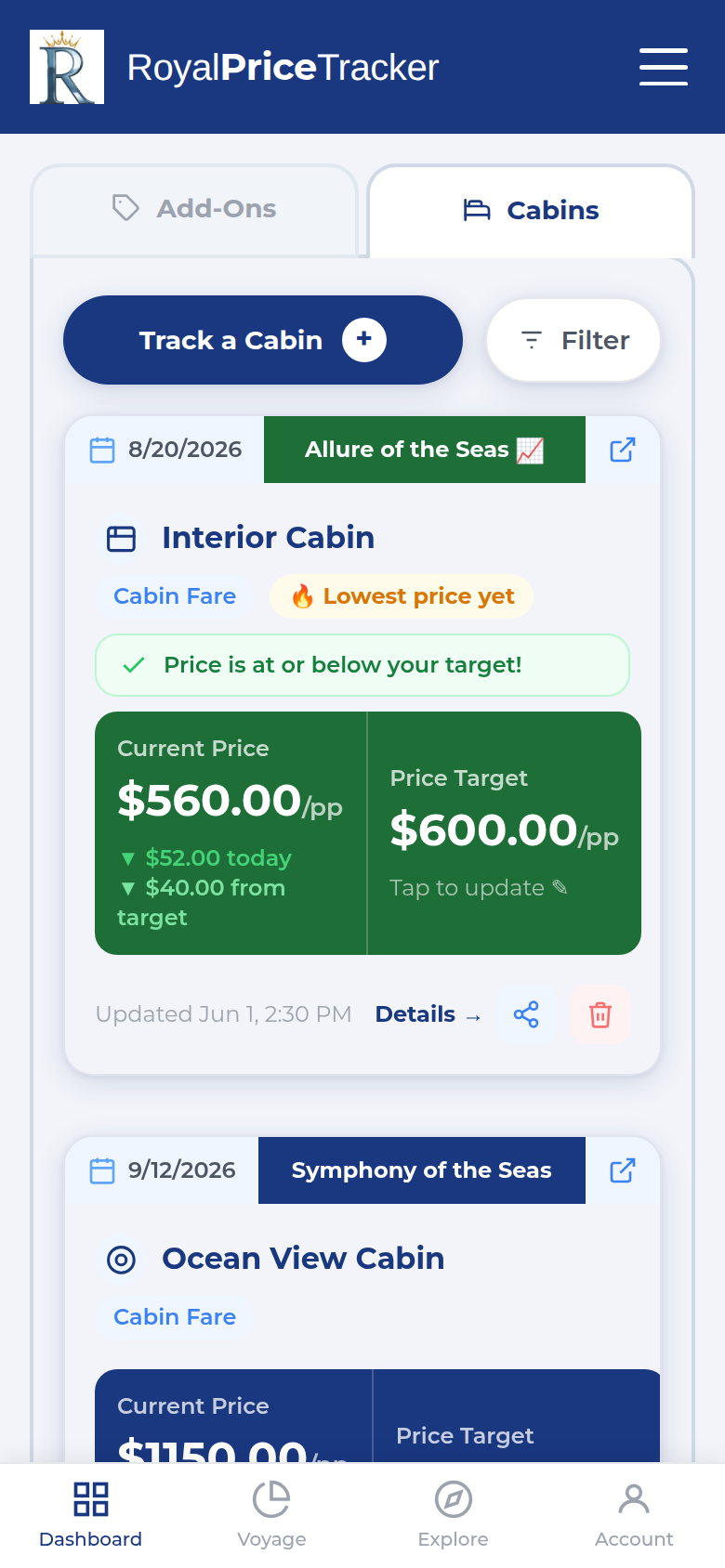
Track cabin fares with a current price and your target
Open the Cabins tab
On your Dashboard, switch to the Cabins tab. Tap Track a Cabin, then select a ship, sail date, and cabin type.
Set a target price (optional)
Tap the Price Target area on any cabin card to enter a target. You'll get an alert when the fare drops to or below that amount. Leave it blank to get alerted on any drop.
View cabin price history
Tap Details → on a cabin card, or visit a sailing's Details page, to see a full price history chart for each cabin type.
💡 If a cabin type shows Sold Out, that category is currently unavailable for that sailing. We'll resume tracking when availability returns.
Explore Ships & Ports
Research before you book
The Explore section is your pre-booking research hub. Browse every Royal Caribbean and Celebrity ship, read port guides, and see real pricing data before you commit to a sailing.
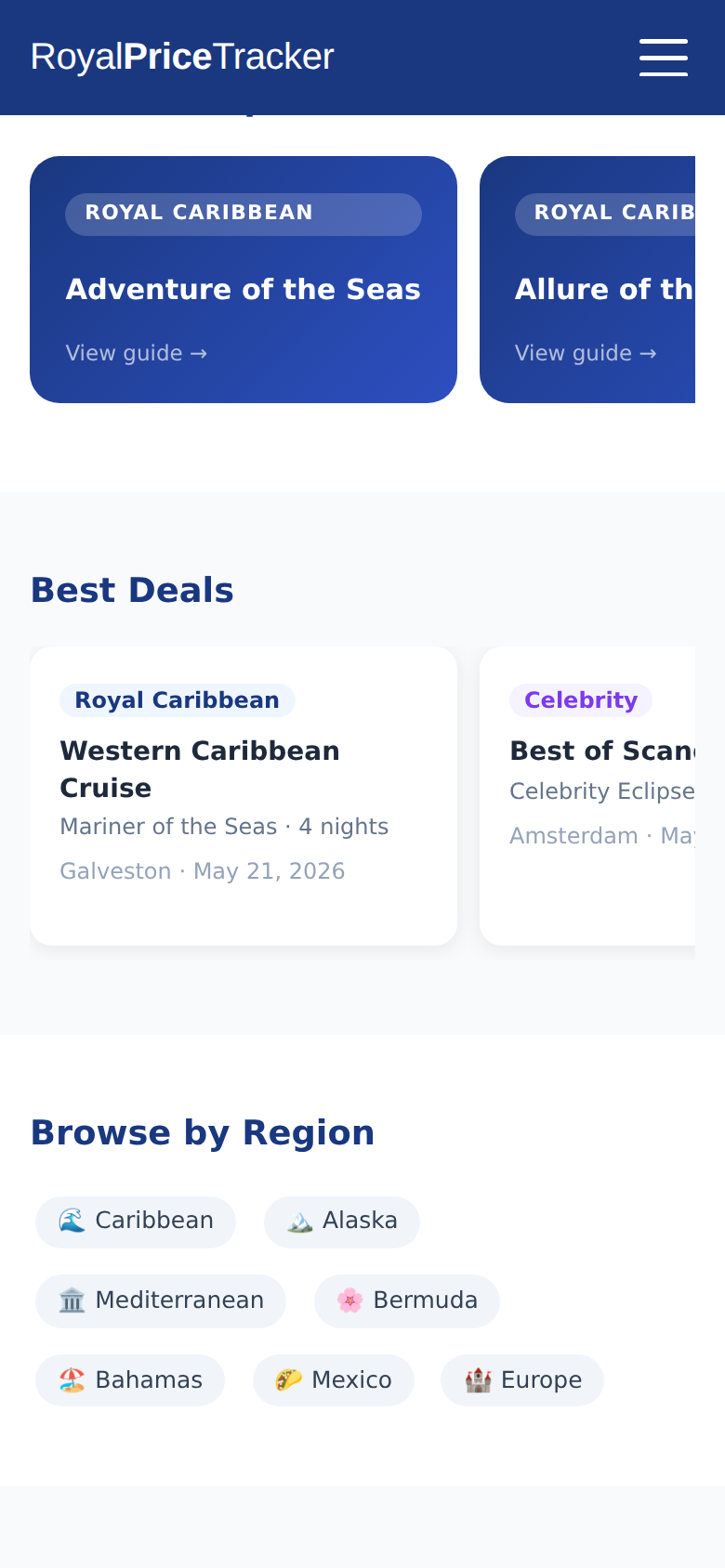
Explore hub
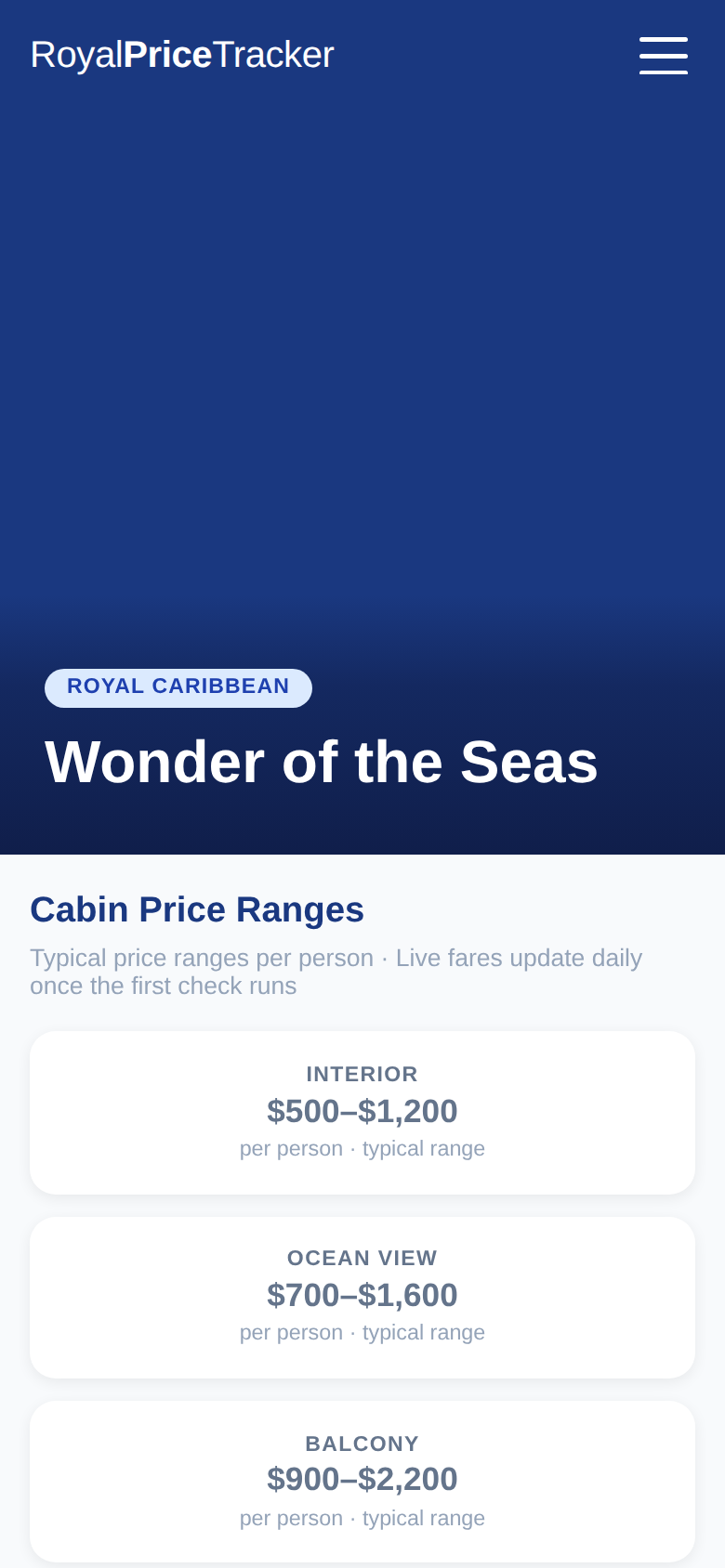
Ship detail page
Ship Pages
See upcoming sail dates, cabin prices, and add-on price snapshots for any ship in the RC and Celebrity fleet.
Port Guides
Get an overview of every port on our itineraries — things to do, which ships visit, and links to related sailings.
Itinerary Pages
Every specific sailing has its own page with a day-by-day port list and live cabin pricing for that departure.
Price Guide
See actual add-on price ranges — daily high, average, and low — on the Price Guide, based on the prices we track every day.
Your Account
Registration, sign-in & alerts
Do I need an account?
You can browse the Price Guide, Explore pages, and add-on prices without an account. An account is only required to save tracked items, receive price alerts, and set cabin fare targets.
How do I register?
Tap Sign In in the navigation, then choose Create Account. Your account is active right away — there's no waiting for approval. Prefer not to set a password? Choose the magic sign-in link option and we'll email you a one-tap link instead.
How do I update my email preferences?
Visit Settings to manage your notification preferences and account details.
How do I stop tracking an item?
Open your Dashboard, find the item, and tap the trash icon. You'll be asked to confirm — once you do, you'll stop receiving alerts for that add-on or cabin.
Other Tools
Beverage Calculator
Work out whether a drink package is worth it for your sailing based on your drinking habits.
Budget Planner
Plan your total cruise spend — cabin, add-ons, excursions — all in one place.
Feature Requests
Have an idea to make the site better? Submit it — or vote on suggestions from other cruisers.
Frequently Asked Questions
How often are prices checked?
Will I get an alert for every price change?
What do I do when I get a price drop alert?
Which cruise lines are supported?
Does tracking cost anything?
Why does an item show "Sold Out"?
I registered but can't log in — what's happening?
Can I track a sailing I haven't booked yet?
How do I track a sailing that isn't appearing?
Still have a question?
Our team is happy to help. Drop us a message and we'll get back to you as soon as possible.
Contact Us